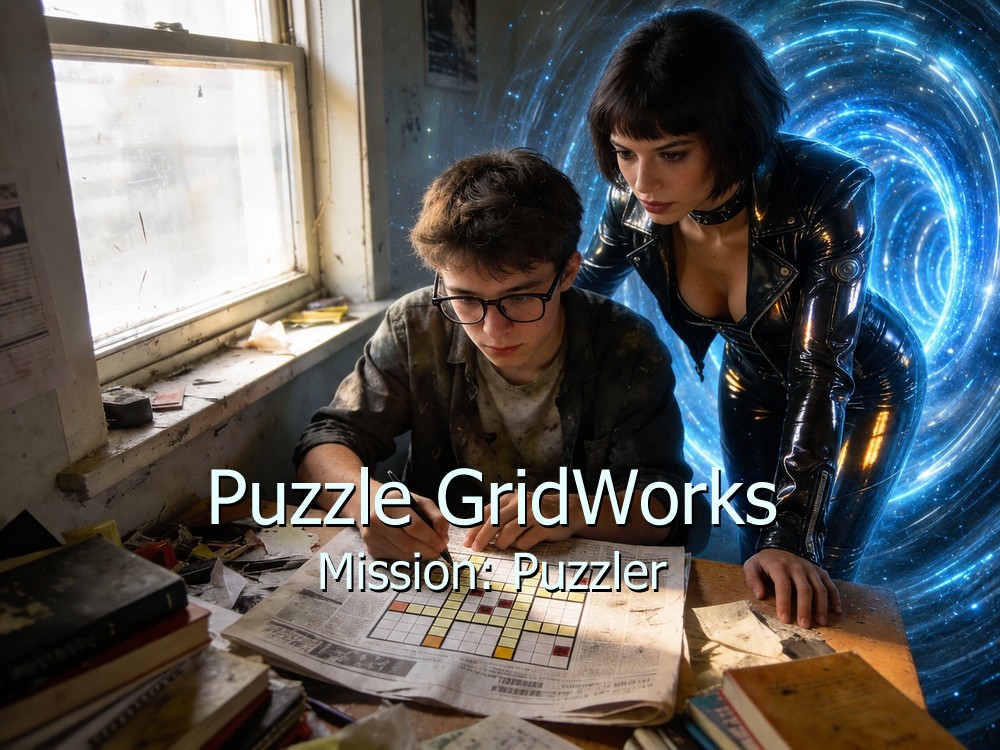
A visual puzzle workspace for importing puzzle images, overlaying grids and text, annotating solutions, and producing clean visual demonstrations.
Overview
I created Puzzle GridWorks (PGW) to solve a different part of the puzzle workflow: working directly with visual puzzle material.
The application allows me to import a puzzle image and add editable overlays such as text objects, grids, numbers, highlights, annotations, and other puzzle-specific markup. I evolved the features from actual solving and demonstration needs rather than from a predetermined feature checklist.
![[Placeholder: PGW grid overlay on puzzle image]](images/pic08.jpg)
Features
- Movable and editable text objects
- Configurable grid overlays
- Single-character and multi-digit number entry
- Number sequence generation
- Crossword numbering
- Alphabet tallies
- Region and translation tools
- Image/grid alignment controls
- Line-drawing tools for matchstick-style puzzles
- Undo/redo-based state restoration
- Export of completed puzzle images
- Support for multiple grid and text workflows within a project
![[Placeholder: Before/after puzzle annotation example]](images/pic09.jpg)
Iterative Development in Practice
I often discover usability issues only after using a feature on a real puzzle. Those discoveries become new requirements, specifications, and refinements.
Technically functional behavior is not finished if the workflow proves awkward in actual use — and that gap between “it works” and “it works well in context” drives most of my design decisions.
Demonstrations
Watch Puzzle GridWorks in action: Puzzle GridWorks demo video. You can also try the deployed application.